How to extract text from images in Python (OCR): 5 libraries compared
A practical guide to reading text from images in Python: Tesseract, EasyOCR, PaddleOCR, docTR and VLM-based OCR, with runnable code and a which-one-to-pick guide.

Turning an image into text is one of those tasks that sounds simple until you try it on a real photo. A crisp scan of a page is easy. A phone snap of a receipt at an angle, in bad light, is not. The good news: Python has several strong, free OCR libraries, and the right one depends almost entirely on what your images look like.
This guide walks through the five approaches worth knowing, with copy-paste code for each, and a plain rule for which to reach for. By the end you can read text from a clean scan, a street sign, or a messy table without guessing.
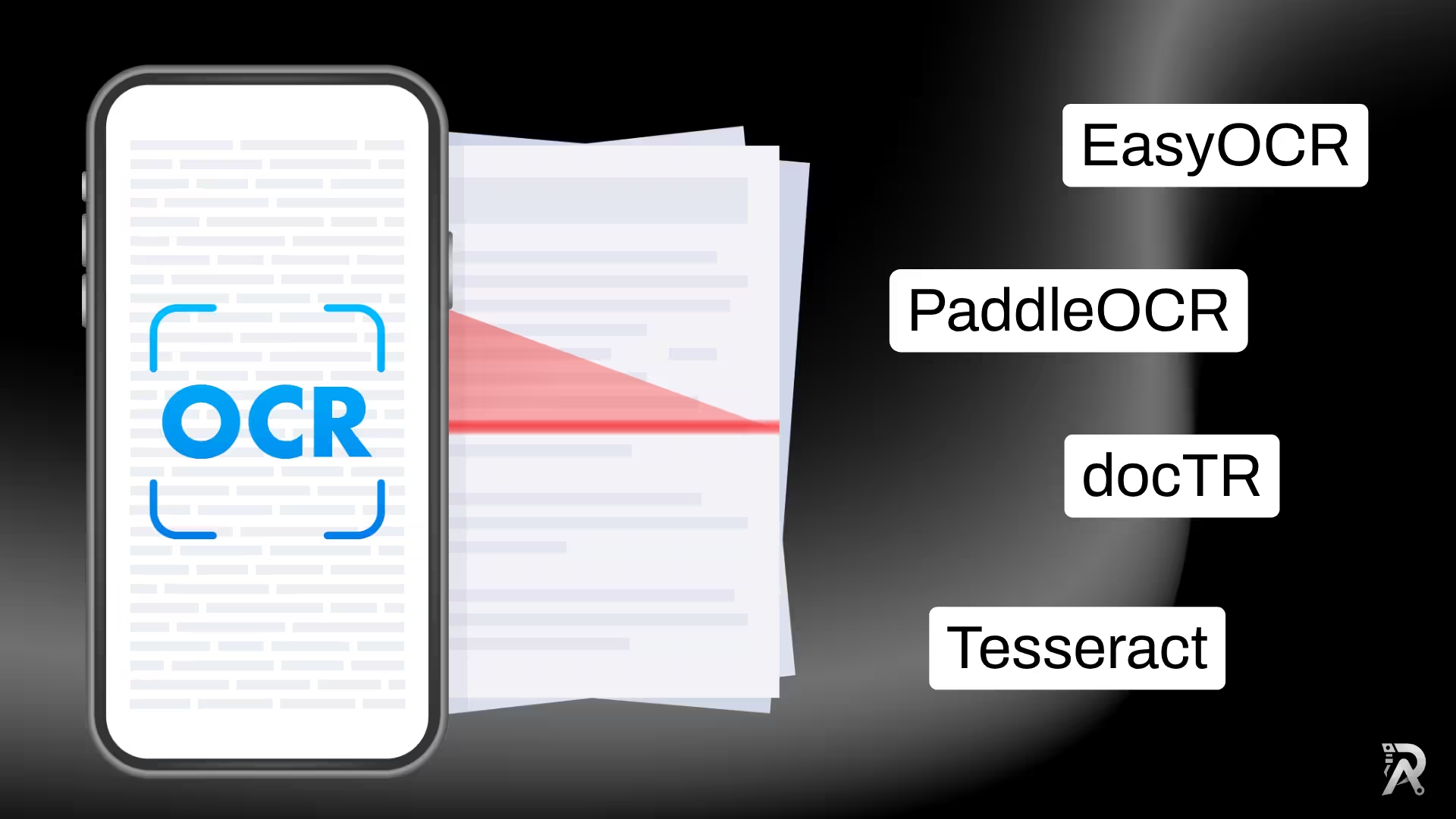
What is OCR?
OCR, short for optical character recognition, is the task of turning text that lives inside an image, whether a scan, a photo, or a screenshot, into text a computer can read, search, and edit. Classic OCR does it in two stages: it first detects where the text is, then recognizes what each region says. Newer vision language models fold both stages into a single pass. Either way, the goal is the same, an image goes in and machine-readable text comes out.
Which OCR library should you use?
Skim this first, then jump to the section you need. Every library below is free, open source, and runs locally with no API key.
| Library | Best for | Languages | Extra install | Notes |
|---|---|---|---|---|
| Tesseract (pytesseract) | Clean scans and flat documents | 100+ | Tesseract engine (system) | Fastest and lightest; weak on photos and handwriting |
| EasyOCR | Photos and scene text, quick start | 80+ | pip only | PyTorch based; a GPU speeds it up |
| PaddleOCR | Highest accuracy, docs and scene | 80+ | pip only | Best all-rounder; the API shifts between versions |
| docTR | Structured documents, reading order | en/fr and more | pip only | Returns layout, not just a flat string |
| VLM (LightOnOCR) | Tables, receipts, math, messy layouts | Multilingual | pip only | Most capable and most heavyweight |
The short version: start with Tesseract for clean scans, reach for PaddleOCR or EasyOCR for photos, and bring in a vision language model when layout matters.
1. Tesseract, the classic
Tesseract is the veteran of open-source OCR. It is fast, tiny, supports over 100 languages, and is unbeatable on clean, high-contrast documents. Its weakness is anything messy: angled text, low light, or text in a natural scene.
It has two parts: the Tesseract engine (a system binary) and pytesseract, the thin Python wrapper that calls it.
# 1. Install the engine once:
#    macOS:   brew install tesseract
#    Ubuntu:  sudo apt install tesseract-ocr
#    Windows: installer at github.com/UB-Mannheim/tesseract

# 2. Install the Python wrapper:
pip install pytesseract pillow
import pytesseract
from PIL import Image

text = pytesseract.image_to_string(Image.open("document.png"))
print(text)
That is the whole thing. image_to_string returns the text as one string. For a clean invoice or a book page, the output is often near-perfect. If you need word positions instead of raw text, pytesseract.image_to_data(...) gives you bounding boxes and confidences.
2. EasyOCR, the easiest deep-learning option
When Tesseract struggles on a photo, EasyOCR usually does not. It is a PyTorch model that detects and recognizes text in one library, handles scene text well, and installs with a single pip command, no system binary required.
pip install easyocr
import easyocr

reader = easyocr.Reader(["en"])          # add languages, e.g. ["en", "fr"]
results = reader.readtext("scene.jpg")   # list of (bbox, text, confidence)

text = "\n".join(line[1] for line in results)
print(text)
readtext returns one entry per detected line, each with its bounding box, the text, and a confidence score, so you can filter out low-confidence junk. The first run downloads the models; after that it is offline. A GPU is optional but makes batch jobs much faster.
3. PaddleOCR, the accuracy leader
If you want the best out-of-the-box accuracy on a mix of documents and photos, PaddleOCR is hard to beat. It ships strong detection and recognition models, an angle classifier that fixes rotated text, and support for 80+ languages.
pip install paddleocr paddlepaddle
from paddleocr import PaddleOCR

ocr = PaddleOCR(use_textline_orientation=True, lang="en")
result = ocr.predict("receipt.jpg")

for res in result:
    for text, score in zip(res["rec_texts"], res["rec_scores"]):
        print(text, score)
One heads-up: PaddleOCR changed its API significantly at version 3.0, and a default pip install paddleocr gives you 3.x today, which is what the code above targets. The constructor takes use_textline_orientation (the old use_angle_cls is deprecated), you call predict() rather than ocr(..., cls=True), and each result exposes rec_texts and rec_scores lists. If you are pinned to the older 2.x line instead, use PaddleOCR(use_angle_cls=True) with ocr.ocr(path, cls=True) and read line[1] for the (text, confidence) pair.
4. docTR, when structure matters
docTR (Document Text Recognition) is built specifically for documents. Instead of a flat string, it returns a structured result: pages, blocks, lines, and words in reading order. That is exactly what you want when the layout carries meaning, like multi-column pages or forms.
pip install "python-doctr[torch]"
from doctr.io import DocumentFile
from doctr.models import ocr_predictor

model = ocr_predictor(pretrained=True)
doc = DocumentFile.from_images("page.png")
result = model(doc)

print(result.render())   # full text, reading order preserved
result.render() gives you the whole document as text, but the real value is in the structured object underneath it, which you can walk block by block to keep the page's shape.
5. Vision language models, the heavyweight
The newest approach skips the detect-then-recognize pipeline entirely. A vision language model looks at the image and simply writes out the text, layout and all. This is where tables, receipts, math, and cluttered layouts finally read cleanly. The trade-off is size and speed: these models are bigger and slower than the options above.
I wrote a full, copy-paste walkthrough of this approach with a small, fast model here: How to extract text from images with LightOnOCR and Python. Reach for it when the classic libraries mangle a complex document.
Boost accuracy: clean the image first
Most OCR errors are input problems, not model problems. A quick preprocessing pass with OpenCV often does more for accuracy than switching libraries, especially for Tesseract.
pip install opencv-python
import cv2

img = cv2.imread("noisy.jpg")
gray = cv2.cvtColor(img, cv2.COLOR_BGR2GRAY)

# Upscale small text, then binarize with Otsu's automatic threshold.
gray = cv2.resize(gray, None, fx=2, fy=2, interpolation=cv2.INTER_CUBIC)
_, clean = cv2.threshold(gray, 0, 255, cv2.THRESH_BINARY + cv2.THRESH_OTSU)

cv2.imwrite("clean.png", clean)
Feed clean.png to Tesseract instead of the raw photo and watch the errors drop. The three moves that matter most: grayscale, upscale small text, and threshold to pure black and white. For skewed scans, deskewing before OCR helps too.
How to pick, in one line each
- Clean scan or PDF page? Tesseract. Fast, free, done.
- Photo, sign, or screenshot? EasyOCR or PaddleOCR.
- Need the highest accuracy on mixed inputs? PaddleOCR.
- Layout and reading order matter? docTR.
- Tables, receipts, math, or a messy document? A vision language model like LightOnOCR.
Wrapping up
Reading text from images in Python comes down to matching the tool to the image. Start simple with Tesseract, move to EasyOCR or PaddleOCR when the pictures get real, and bring in a vision language model when the layout fights back. Preprocess first, and most of the accuracy problems solve themselves.
If you are building document, OCR, or vision features and want a hand, book a free consultation or read more tutorials. 🚀
FAQs
- Q:What is the best Python library to extract text from images?
- A:There is no single best one, it depends on the image. For clean scanned documents, Tesseract (via pytesseract) is fast and free. For photos and scene text, EasyOCR and PaddleOCR are more accurate. PaddleOCR is the strongest all-rounder. For complex layouts, tables, and math, a vision language model like LightOnOCR wins.
- Q:How do I extract text from an image in Python without Tesseract?
- A:Use a deep-learning OCR library that installs with pip alone and needs no system binary. EasyOCR (`pip install easyocr`) and PaddleOCR (`pip install paddleocr paddlepaddle`) both detect and recognize text end to end, and run on CPU or GPU.
- Q:Why is my OCR output inaccurate?
- A:Most OCR errors come from the input, not the model. Low resolution, poor contrast, skew, and noise all hurt. Convert to grayscale, upscale small text, and binarize with a threshold before running OCR. For photos rather than clean scans, switch from Tesseract to EasyOCR or PaddleOCR.
- Q:Can I read text from a photo, not just a scanned document?
- A:Yes. Photos with text in the wild (signs, packaging, screenshots) are called scene text, and deep-learning detectors handle them far better than Tesseract. Use EasyOCR or PaddleOCR for photos; keep Tesseract for clean, flat scans.
- Q:Is there a free OCR library for Python?
- A:All five options in this guide are free and open source: Tesseract, EasyOCR, PaddleOCR, docTR, and open vision language models such as LightOnOCR. None of them require an API key or a paid cloud service, and they all run locally.
Related posts

How to extract text from images with LightOnOCR and Python
Learn how to read text from images using LightOnOCR, a small and fast vision language model, with a clean and reusable Python class.
Read article →
How to use ByteTrack with YOLO for object tracking in Python
Give YOLO a memory. This tutorial uses ByteTrack to assign persistent IDs to objects across video frames, with a runnable Ultralytics script and a bytetrack.yaml tuning guide.
Read article →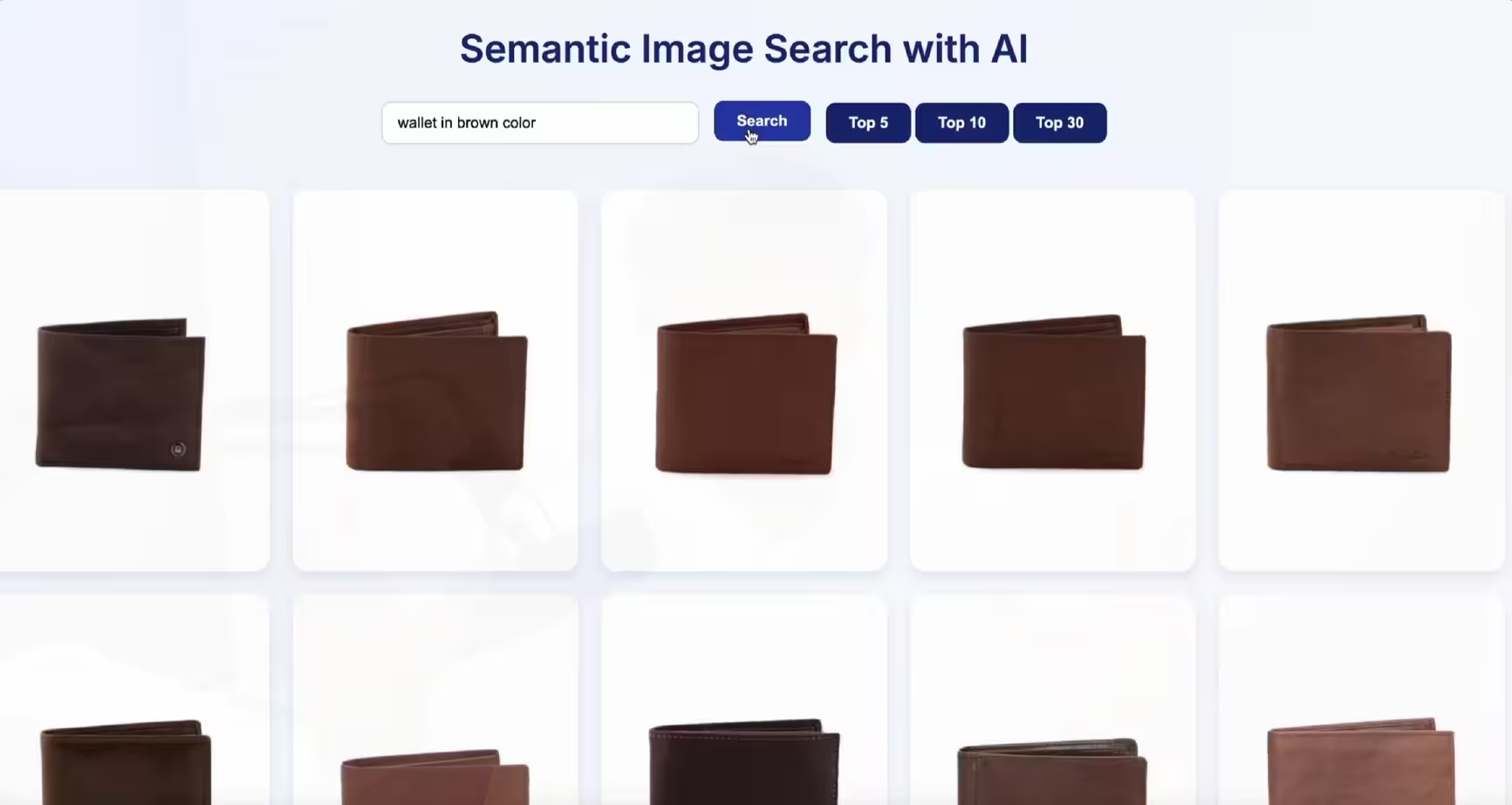
Build a semantic image search engine with CLIP and Python
Learn how to build a semantic image search engine that finds pictures by meaning. A few lines of Python turn a folder of images into a searchable index you can query in plain English.
Read article →
Computer Vision Engineer and top contributor to the YOLO project, building production AI and deep learning systems.
My course on LinkedIn LearningHands-On AI: Computer Vision Projects with Ultralytics and OpenCV